In-chat payment requests
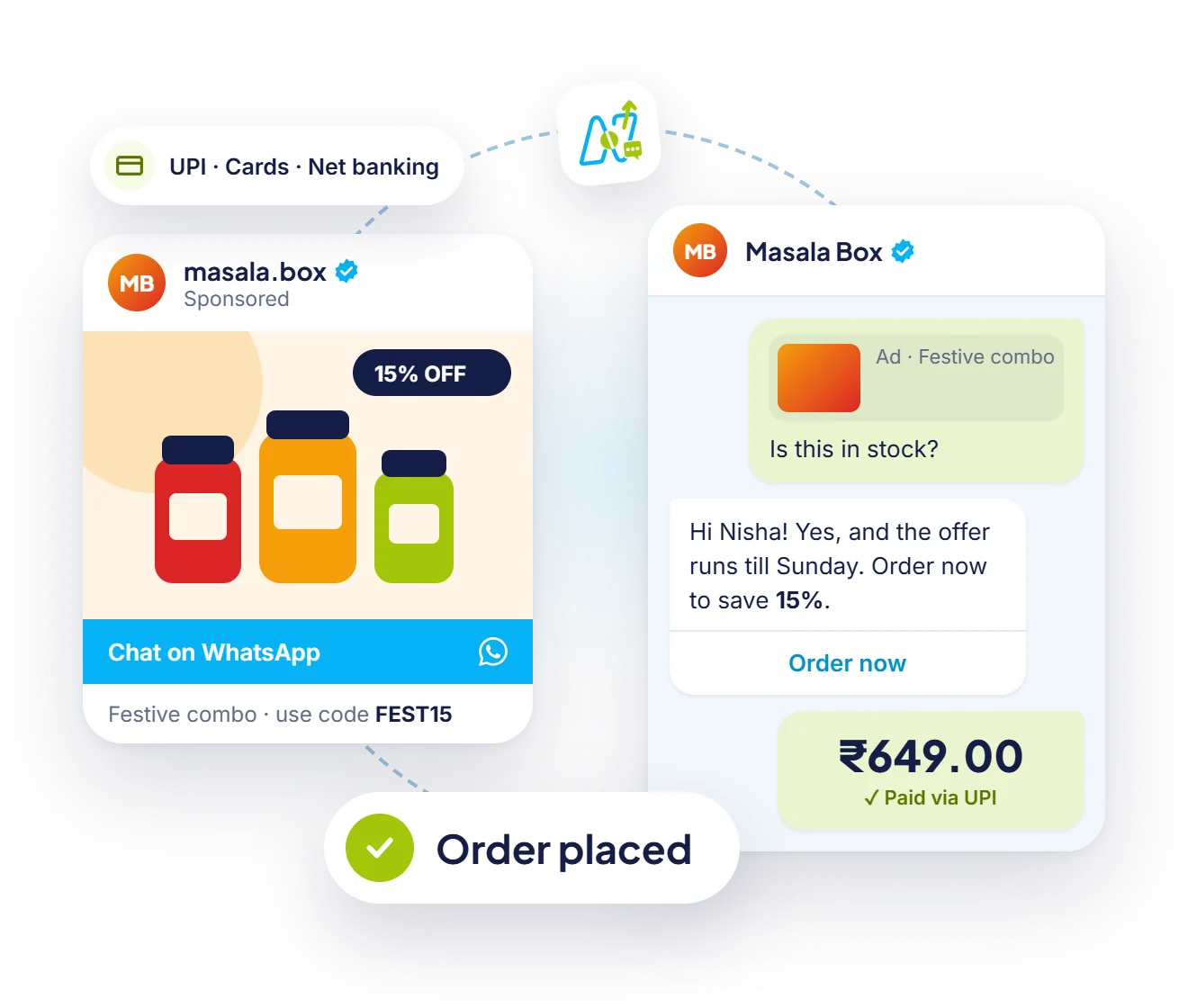
Send order details with a pay button that opens a secure checkout.
Send a payment request in the chat, let customers pay with UPI, cards or net banking, and confirm the order automatically. No app switch, no lost sales.
Features
Shorten the path from interest to payment. Customers pay in the conversation they started.
Send order details with a pay button that opens a secure checkout.
Confirm the order and send a receipt the moment payment succeeds.
Remind customers about pending payments, fees and renewals automatically.
Connect your existing payment gateway account and keep your settlement terms.
Let customers browse, add to cart and pay in one conversation.
See paid, pending and failed payments for every order.

Payments in live chat
Agents send an order with a payment button from the team inbox. When the customer pays, the chat updates and the contact is tagged automatically.
Cart reminders
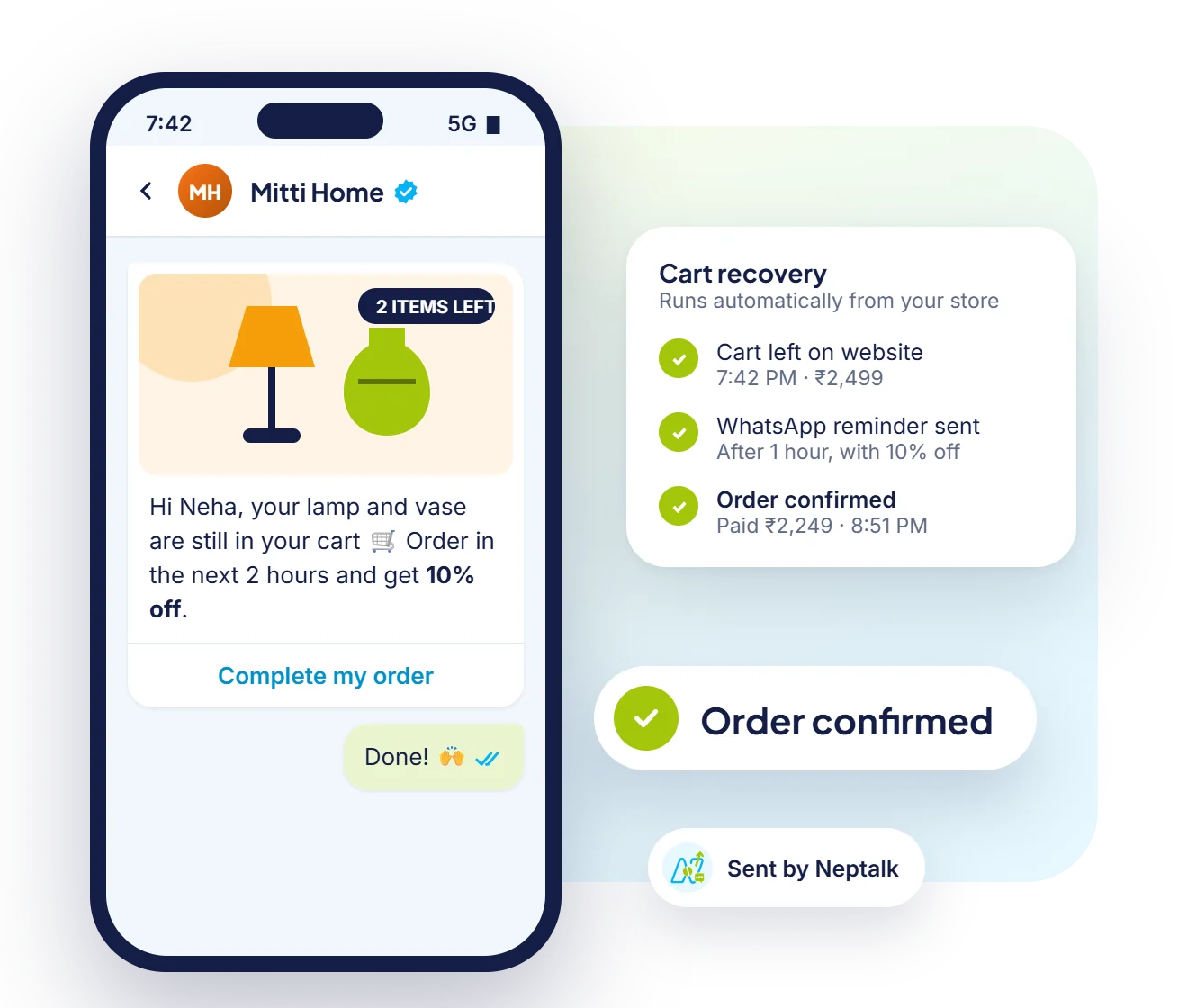
If a customer leaves without paying, a friendly reminder with a payment button brings them back.
After payment
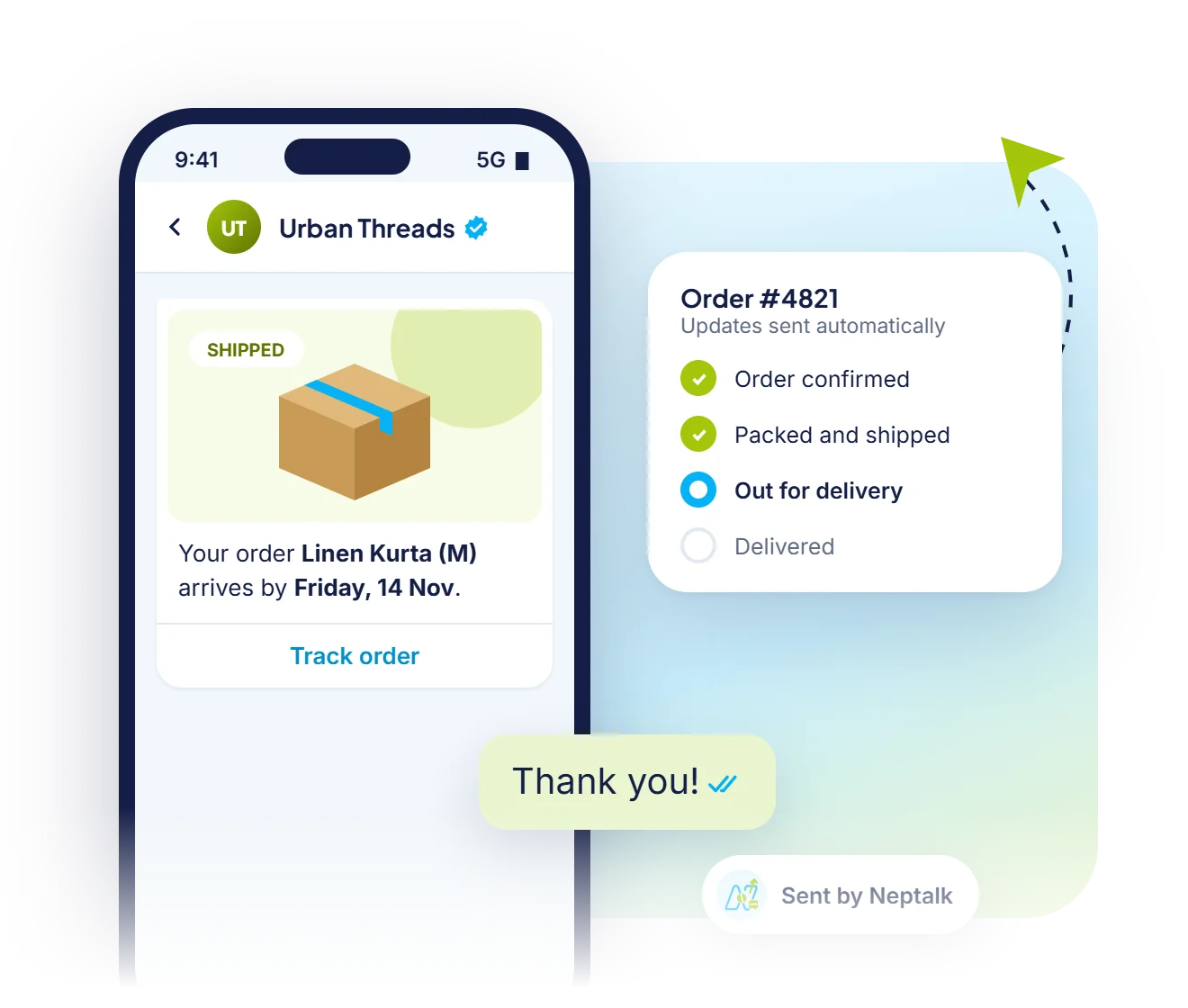
As soon as the payment succeeds, the customer gets a confirmation, then shipping and delivery updates on WhatsApp.
Where to collect
Send a payment request wherever the customer is talking to you, and see the result in the same conversation.
An agent sends a payment request while helping a customer, without leaving the inbox.
Bookings, orders and renewals finish with a payment step, with no agent needed.
Fee, EMI and invoice reminders carry a Pay now button, so customers pay in one tap.
Customers whose payment failed or stayed pending get an automatic, polite reminder.
How it works
Link your payment gateway account to Neptalk.
Add a payment step to a chatbot or send a request from the inbox.
Customers pay with UPI, cards or net banking without leaving WhatsApp.
Neptalk confirms the order and updates your records.
Use cases
Close orders from catalogue browsing to payment in one chat.
Collect admission and course fees with reminders before due dates.
Take advance payments for bookings and appointments.
Send renewal reminders with a pay link.
Why Neptalk
Every extra click loses customers. Paying inside the chat keeps the sale moving.
FAQ
Customers can pay with UPI, debit and credit cards, and net banking, depending on the methods enabled on your payment gateway.
Yes. Payments are processed by your payment gateway account, and Neptalk sends the request and tracks the result inside WhatsApp.
Yes. Payments are handled by your regulated payment gateway on a secure checkout. Neptalk never stores card details.
Yes. Set up automatic reminders for pending orders, fees or renewals using approved utility templates.
Neptalk does not add a per-transaction fee. Your payment gateway's standard charges apply.
Yes. Every payment shows as pending, successful or failed on the contact's profile and in the payments report.
Native in-chat checkout is offered by Meta in a few markets, including India. In other countries you can send a secure payment link from your gateway in the same chat.