E-commerce stores
Send order, shipping and abandoned cart messages from your online store.
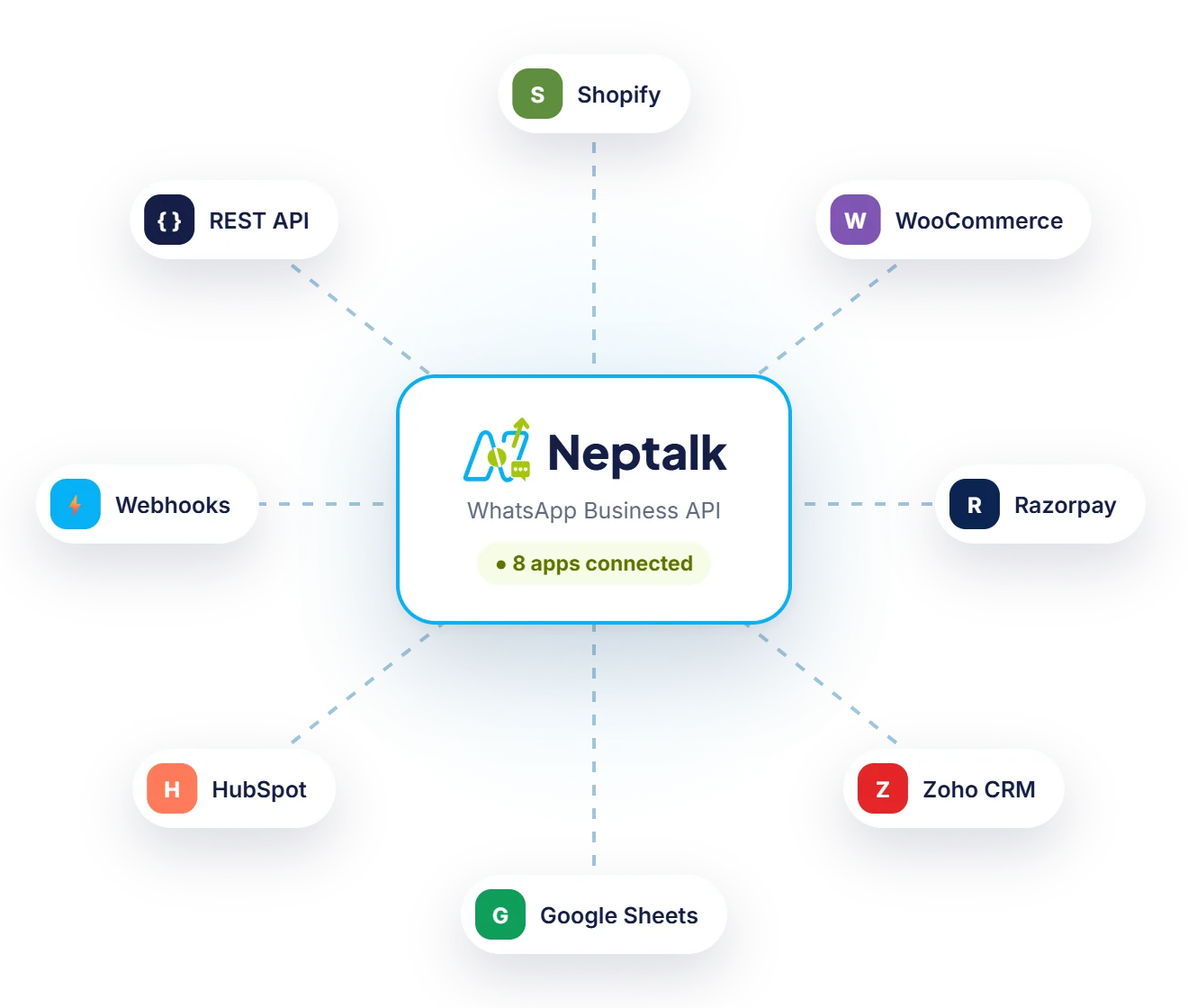
Send order updates from your store, lead alerts from your CRM and invoices from your ERP, all on WhatsApp. Neptalk connects through ready integrations, webhooks and a simple REST API.
Features
Start with no-code connectors and move to the API when you need more control.
Send order, shipping and abandoned cart messages from your online store.
Sync contacts and send lead alerts or follow-ups from your CRM, including Neptune NCRM.
Share invoices, statements and payment reminders straight from your ERP or billing software.
Start flows when someone fills a website form, Meta lead form or Google Sheet row.
Send templates, manage contacts and read conversations from your own code.
Get real-time events for incoming messages, delivery status and button clicks.
Store updates
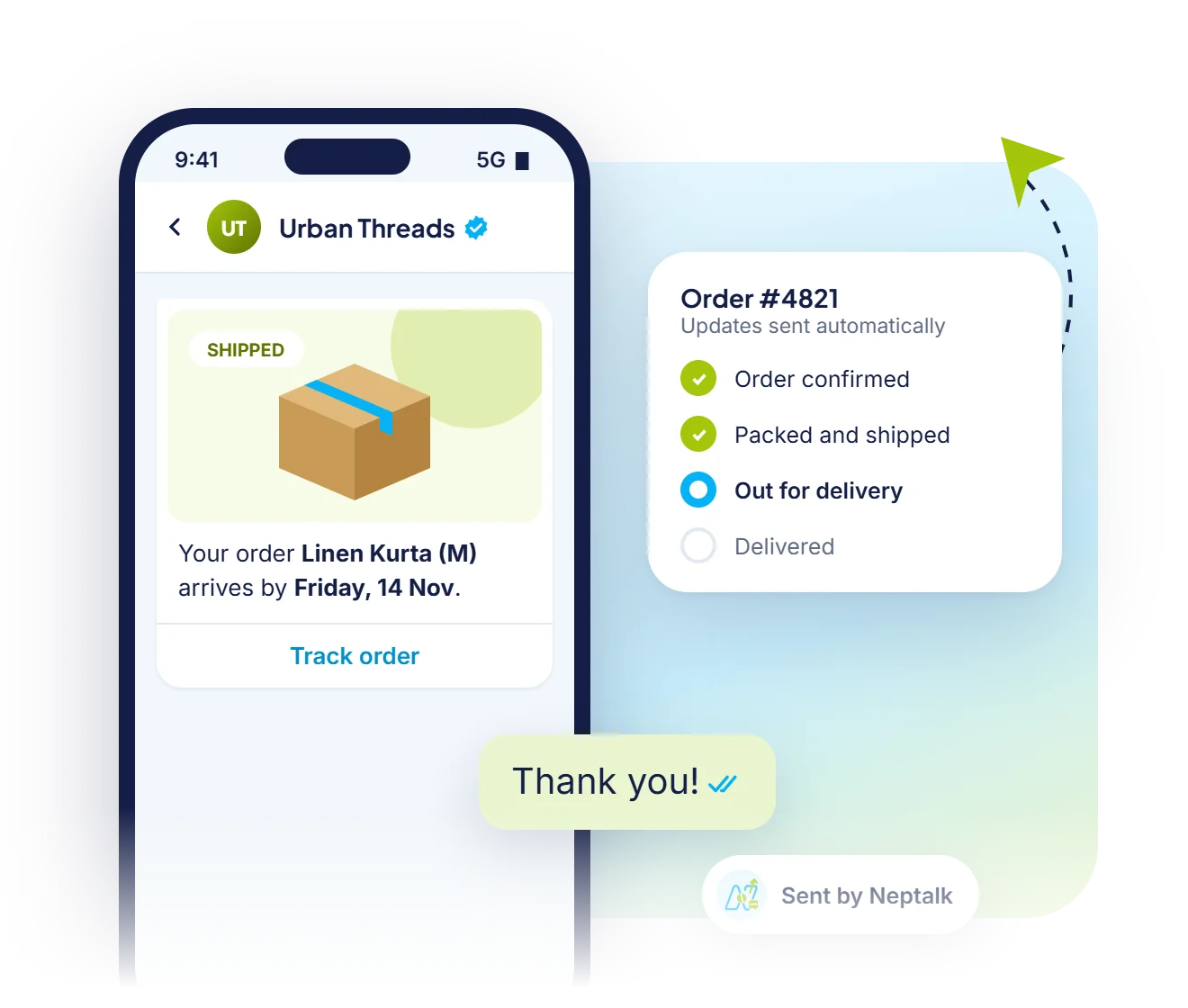
Connect your store once and customers get confirmations, shipping updates and delivery messages on WhatsApp automatically.
Payment gateways
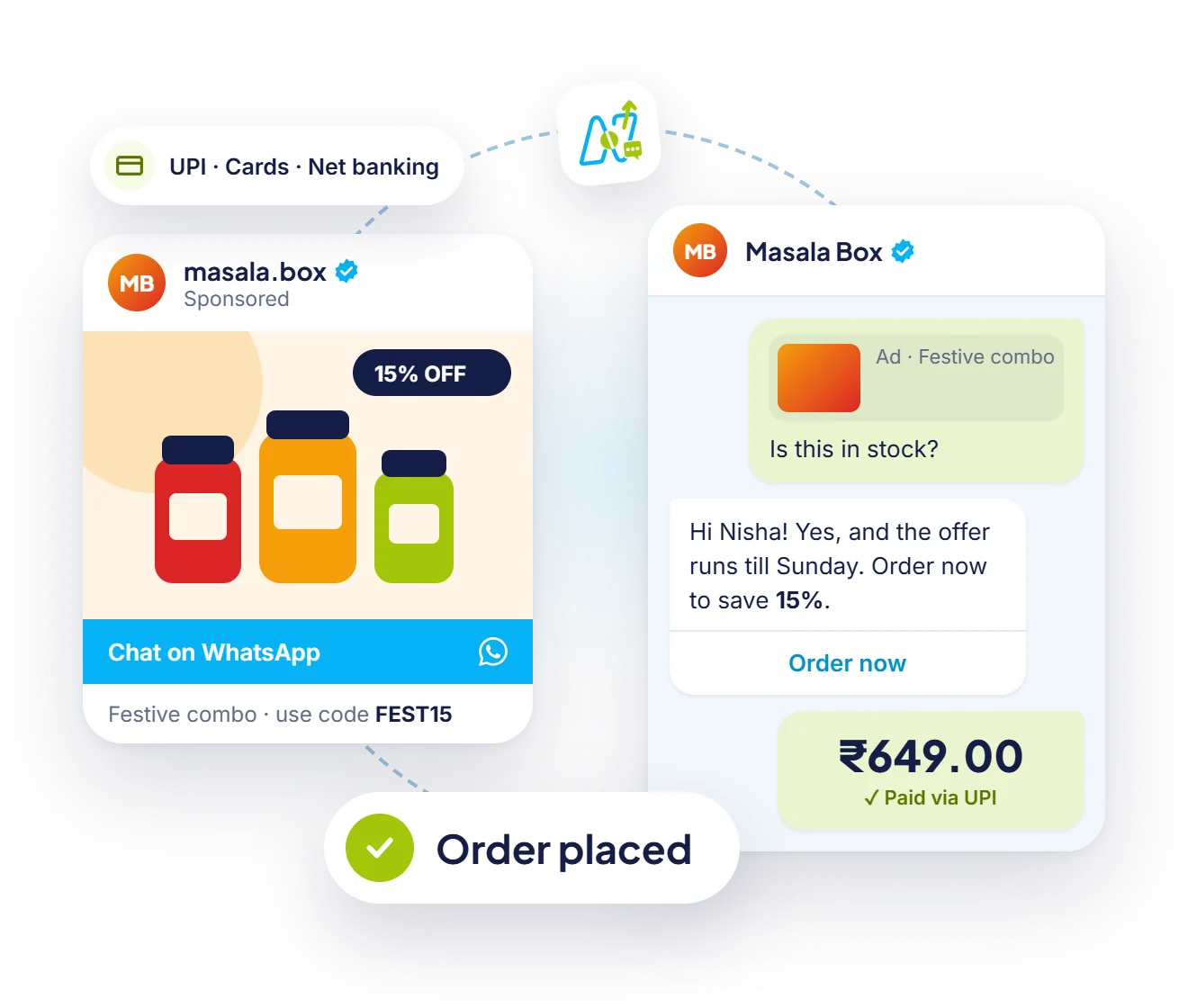
Connect your payment gateway and send payment requests on WhatsApp. Successful payments update the chat and the order.
Store events
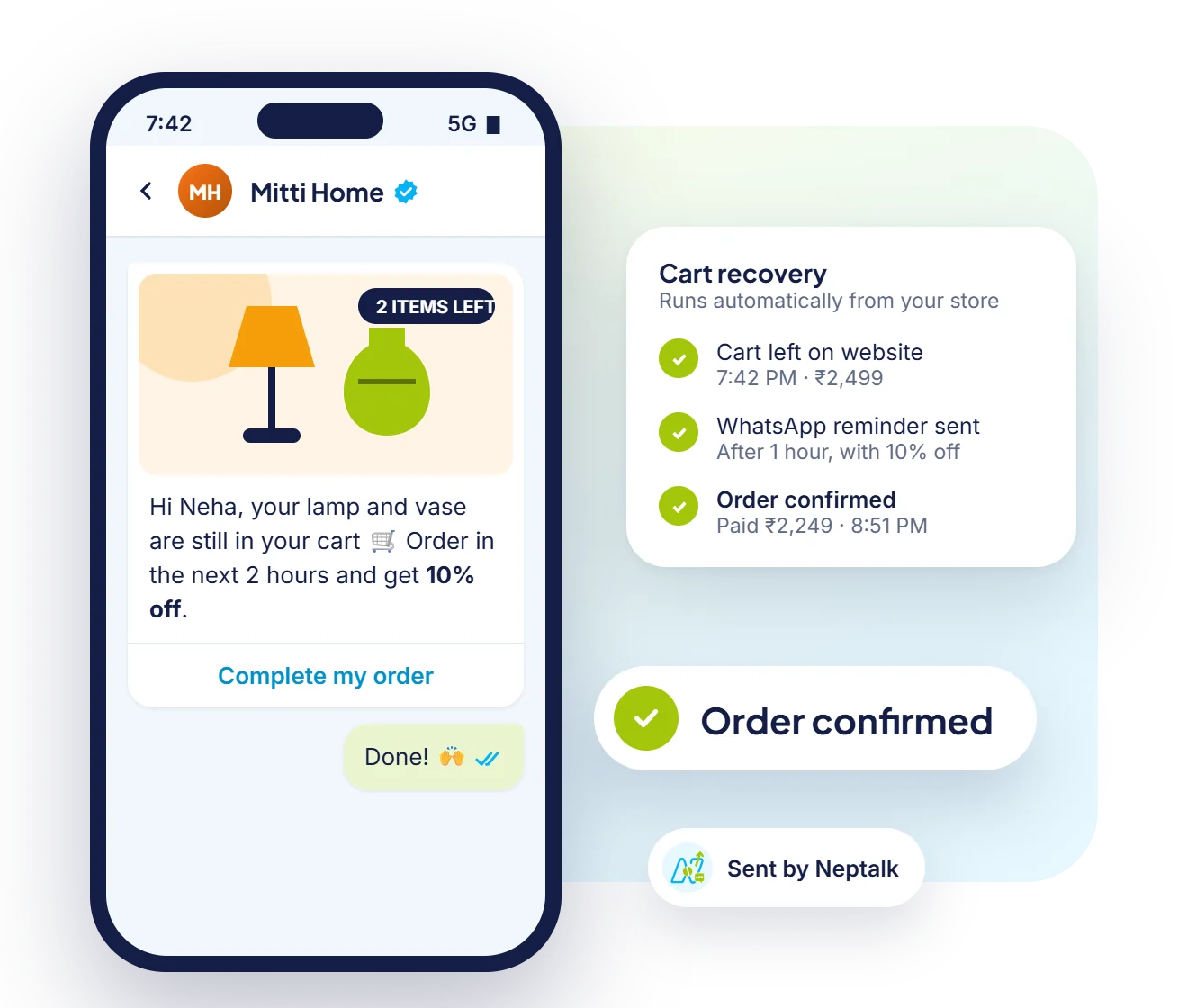
Abandoned carts, new orders and refunds can each send a WhatsApp message with the right details.
How it works
Pick a ready integration or create an API key in Neptalk.
Decide which events, such as new order or new lead, send which template.
Run a test event and check the WhatsApp message.
Switch it on and monitor every message in the dashboard.
Use cases
Order confirmations, COD verification and delivery updates.
Appointment confirmations and reports from your HMIS.
Dispatch alerts, invoices and payment reminders from your ERP.
Admission, fee and attendance alerts from your school software.
Why Neptalk
Integrations remove copy-paste work and make sure customers get updates the moment something changes.
FAQ
Neptalk connects with e-commerce stores, CRMs, ERPs, billing tools, website forms and Google Sheets. Tell us what you use and our team will confirm the best way to connect.
Yes. The REST API lets you send template messages, manage contacts and read conversations, and webhooks notify your system of new events.
Yes. As products from the same company, Neptune NCRM and HMIS can be connected to send WhatsApp updates to leads and patients.
Not for ready connectors. A developer is helpful for custom API or webhook integrations, and our team can guide them.
Every request uses a private API key over HTTPS, and you can revoke or rotate keys at any time.