Event triggers
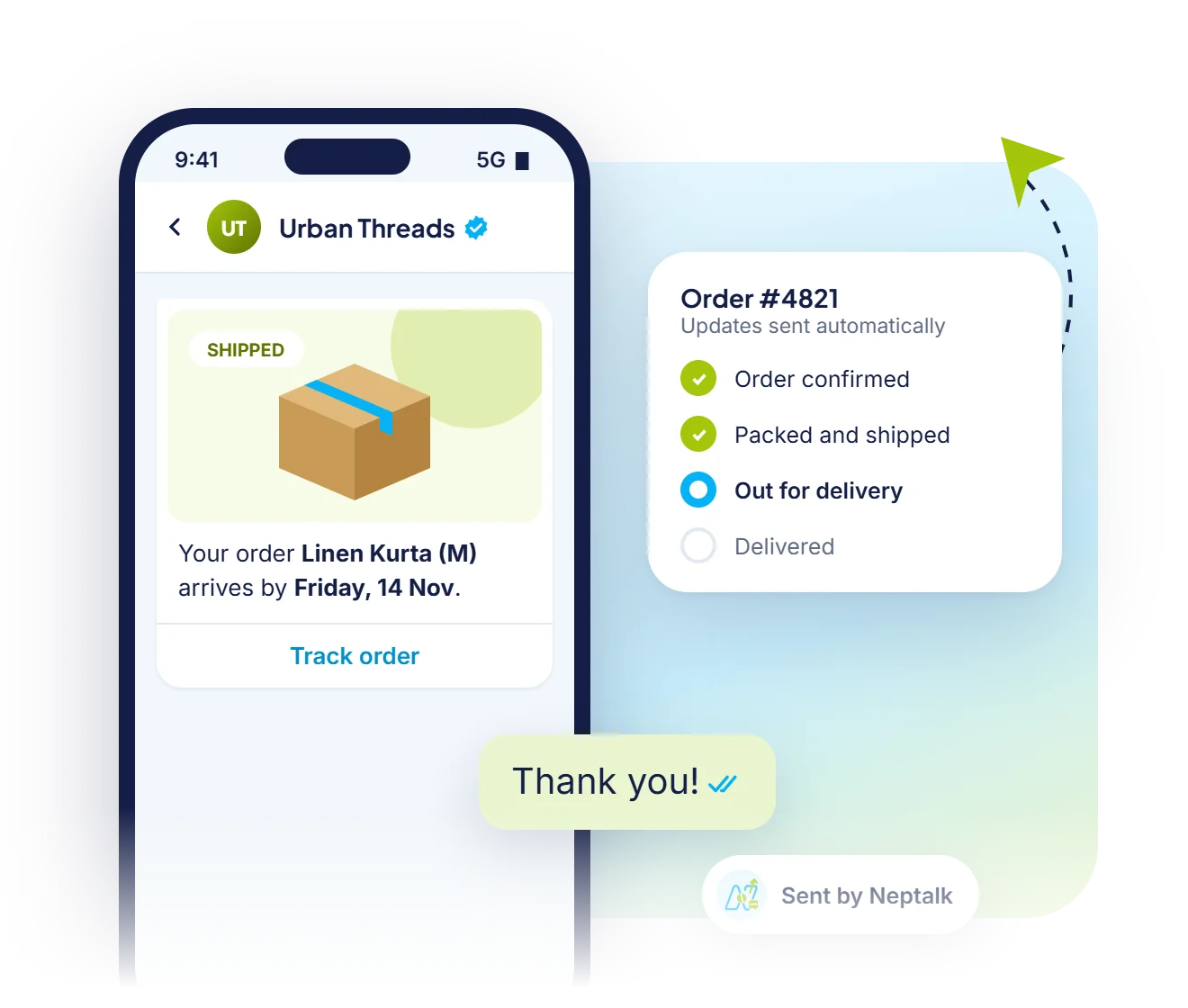
Start a flow when a lead fills a form, an order is placed, a payment fails or a tag is added.
Set up a flow once and let Neptalk run it every day. Welcome new leads, nurture them over days, remind them about payments and appointments, and follow up when they go quiet.
Features
Build simple or multi-step journeys without writing code.
Start a flow when a lead fills a form, an order is placed, a payment fails or a tag is added.
Send a series of messages over hours or days, with a delay you choose between each step.
Send different messages based on replies, tags or contact fields.
Automate appointment, renewal and payment reminders before the due date.
Trigger messages from your own software or send replies back to it.
See how many contacts entered, completed or dropped at each step.
Store automation
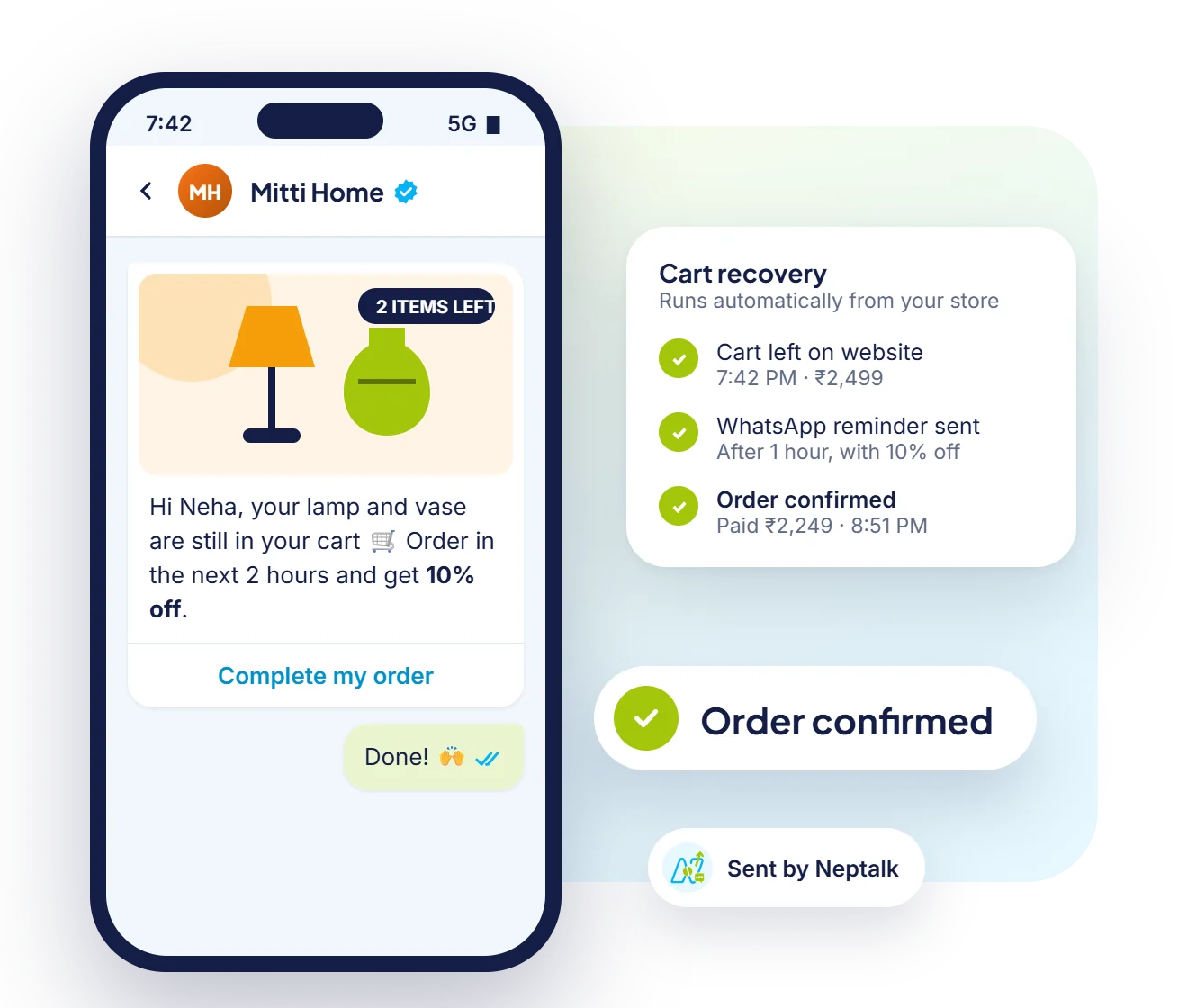
When a shopper leaves items in the cart, Neptalk sends a reminder on WhatsApp, with a discount if you like, and confirms the order when they buy.

Chatbot flows
Build flows that reply to keywords, share order status and pass the chat to a person when needed.

Campaign Agent
Describe your offer and the Campaign Agent picks the audience, writes the messages and schedules reminders for people who don't reply.
How it works
Choose what starts the flow, such as a new lead or an order.
Drop in templates, delays and conditions on the visual builder.
Send it to your own number to check every step.
Publish and let it run for every new contact that matches.
Use cases
Nurture course enquiries with a 7-day sequence that ends with a counselling call.
Send order confirmations, shipping updates and review requests automatically.
Remind patients the day before their appointment and share directions.
Send renewal and EMI reminders with a payment link.
Why Neptalk
Most leads are lost because nobody followed up. Automations make sure every contact hears from you on time, without extra work for your team.
FAQ
A drip campaign is a series of messages sent to a contact over time, such as a welcome message on day 1, a product guide on day 3 and an offer on day 7.
Yes. Neptalk can start a flow when a form on your website, a Meta lead form or a WhatsApp Form is submitted.
Messages sent outside the 24-hour customer service window must use approved templates. Replies inside the window can be free-form.
Yes. You can end the flow or move the contact to an agent as soon as they reply.
No. Most flows are built on the visual builder. Developers can use webhooks and the API for custom triggers.