Lead and demo capture
Turn website and ad enquiries into qualified demo requests.
Your customers already use WhatsApp at work. Neptalk turns it into a channel for demo requests, onboarding messages, renewal reminders, system alerts and support tickets, connected to your product through the API.
Features
Use WhatsApp alongside email for the messages that need a quick response.
Turn website and ad enquiries into qualified demo requests.
Send setup steps, tips and check-ins triggered by what users do in your product.
Remind customers about trial ends, renewals and pending invoices.
Send account, usage or incident alerts through the API and webhooks.
Handle support requests in a shared inbox with assignment and notes.
Answer common how-to questions and link to your documentation.

Support
Support requests reach a shared inbox where agents assign, add notes and resolve them together.

Neptalk Assistant
Ask which trial users have not logged in or whose renewal is due, and draft the follow-up in one step.

Results
See delivered, read, clicked and replied numbers for every message you send.
How it works
Set up your company number on the official API.
Send events from your product or CRM through the API or webhooks.
Switch on lead capture, onboarding and renewal messages.
Route support chats to your team.
Use cases
Qualify leads and book demos.
Onboard users and reduce churn with timely check-ins.
Send renewal and invoice reminders with payment links.
Resolve tickets faster on a channel customers check.
Why Neptalk
Email is easy to miss. WhatsApp gets quick replies for demo bookings, renewals and support, and Neptalk keeps it all organised for your team.
FAQ
They use it to capture and qualify leads, onboard new users, send renewal reminders and system alerts, and handle support tickets.
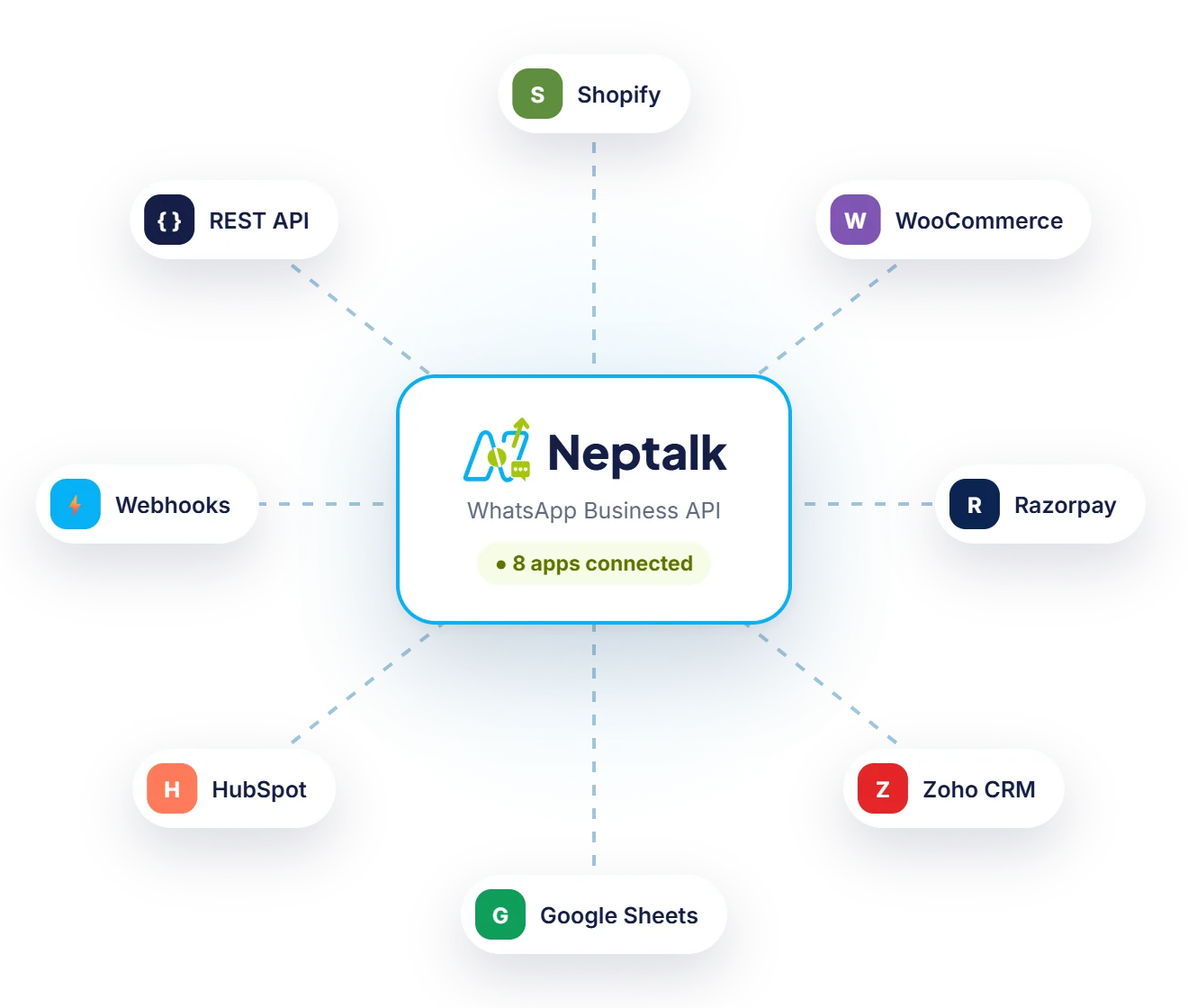
Yes. Neptalk connects with your product or CRM through the API or webhooks, so events in your system can send WhatsApp messages automatically. Our team helps with the setup.
Yes. Your system calls the API or a webhook, and Neptalk sends an approved template message to the right user.
Yes. The shared inbox lets many agents reply from one number, with chat assignment, notes and tags.