Campaign performance
Sent, delivered, read, clicked and replied counts for every broadcast.
Neptalk turns every message, campaign and chat into clear reports, so you know which campaigns drive sales, how fast your team replies and what you spend.

Features
From a single campaign to your whole team, get answers without building spreadsheets.
Sent, delivered, read, clicked and replied counts for every broadcast.
First response and resolution time for every agent and team.
See which bot paths customers take and where they drop off.
Track message costs by category and campaign so there are no surprises.
Measure clicks on links and buttons and the sales they lead to.
Download any report or get it delivered to your inbox each week.
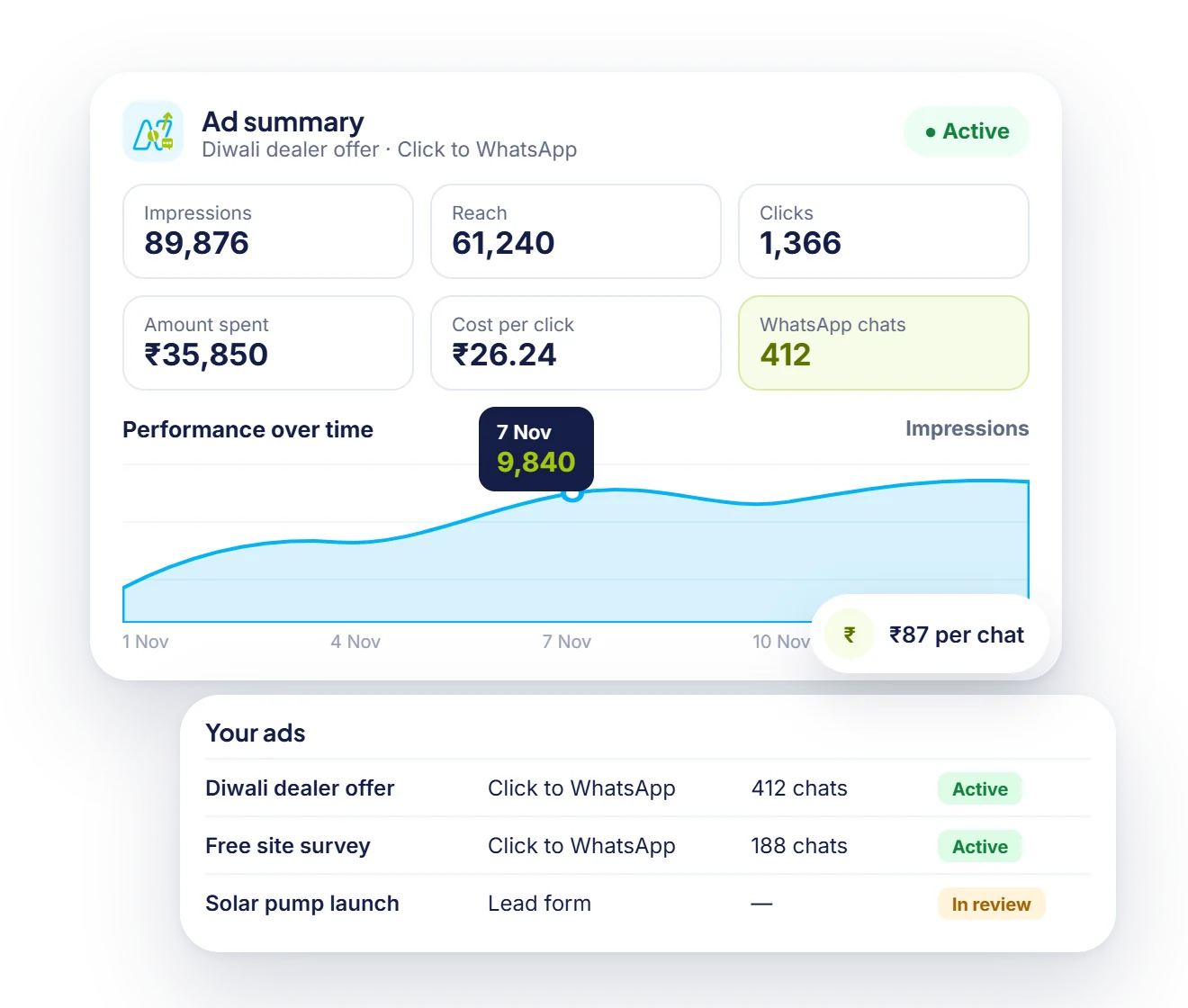
Ad reports
Click-to-WhatsApp ad results sit next to your campaign reports, so you see the cost of every chat and the sales that follow.

Act on the numbers
Select the people who clicked but didn't buy, or didn't read at all, and send them a different message.

Team performance
Track open chats, replies and payments collected by each agent in the shared inbox.
How it works
Reports fill automatically as you send and receive messages.
Choose campaigns, agents, bots or spend.
Filter by date, team, tag or campaign and compare periods.
Export to Excel or schedule email reports for your managers.
Use cases
Find the templates and audiences that bring the most clicks and sales.
Spot slow response times and balance workload across agents.
See WhatsApp spend and return in one simple view.
Improve bot flows by fixing steps where customers drop off.
Why Neptalk
Clear reports help you spend less on campaigns that don't work and more on the ones that do.
FAQ
You can track campaign delivery, reads, clicks and replies, agent response and resolution times, chatbot paths and message spend.
Read status comes from WhatsApp. If a customer has turned off read receipts, the message shows as delivered rather than read.
Yes. Every report can be exported to Excel or CSV, and you can schedule weekly email reports.
Yes. Use tracked links and buttons, or connect your store or CRM so orders can be linked back to campaigns.
Admins and managers see all reports. You can limit agents to their own numbers.