Website and email
Add a Chat on WhatsApp button to your website, email signature or newsletter.
Create a click-to-chat link for your WhatsApp number, add a pre-filled message, and download a QR code for your shop, packaging, ads or website. Free, with no sign-up.
Features
One link, many places. Make it easy for customers to start a chat from anywhere.
Add a Chat on WhatsApp button to your website, email signature or newsletter.
Put the link in your Instagram, Facebook, LinkedIn and YouTube bios.
Print the QR on visiting cards, menus, flyers, receipts and product boxes.
Use the link in Google and social ads to start conversations instead of form fills.
Customers start with a ready message so you know exactly what they want.
Place a QR at billing counters for feedback, offers and repeat orders.

Auto reply
Add a pre-filled message to your link and Neptalk can start a chatbot flow for it, day or night.
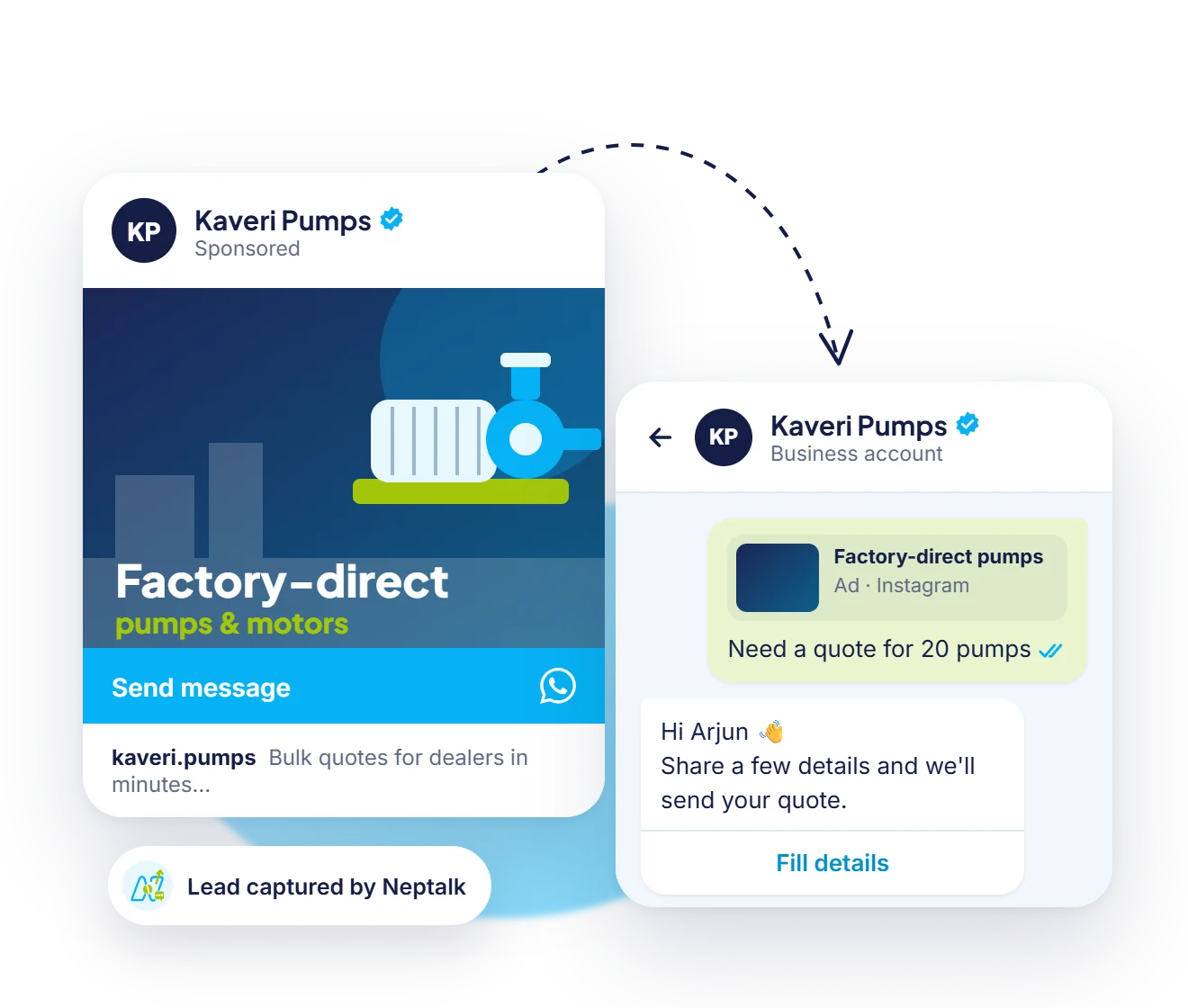
Grow with ads
Ready for more chats? Run an ad on Facebook and Instagram that opens the same WhatsApp conversation.
How it works
Choose your country code and type your WhatsApp number.
Optionally write a message that appears when the chat opens.
Your wa.me link and QR code are created instantly.
Copy the link or download the QR and use it anywhere.
Use cases
Let walk-in customers save your number and order on WhatsApp.
Put a QR on tables and menus for orders and reservations.
Add a QR to banners and tickets for instant help.
Create links for client campaigns in seconds.
Why Neptalk
A wa.me link starts the chat. With the Neptalk WhatsApp Business API you can reply automatically, route chats to your team and track every lead.
FAQ
It is WhatsApp's official click-to-chat link. When someone opens it, WhatsApp starts a chat with your number, even if they haven't saved it.
Yes. You can create unlimited links and QR codes for free without signing up.
Yes. wa.me links work with WhatsApp, WhatsApp Business app and numbers on the WhatsApp Business API.
The message is part of the link, so create a new link if you want a different message. The QR code will change too.
WhatsApp links need the full international number without the plus sign, for example 91 followed by your 10-digit number for India.