Registration forms
Collect name, company and preferences with a WhatsApp Form.
People forget the webinar they signed up for. Neptalk confirms every registration, sends tickets and joining links, reminds attendees before the start and shares recordings and offers afterwards.

Features
Before, during and after: keep attendees engaged on WhatsApp.
Collect name, company and preferences with a WhatsApp Form.
Send e-tickets, QR codes or joining links as soon as someone registers.
Send reminders a day, an hour and minutes before the start.
Share agenda changes, venue details and speaker announcements.
Send recordings, slides, feedback forms and offers afterwards.
Collect ticket payments with a link in the chat.

Registration flow
A flow collects registration details and sends the ticket or joining link straight away.

Attendance
Track which reminders were delivered, read and clicked, and follow up with people who didn't open them.
Paid events
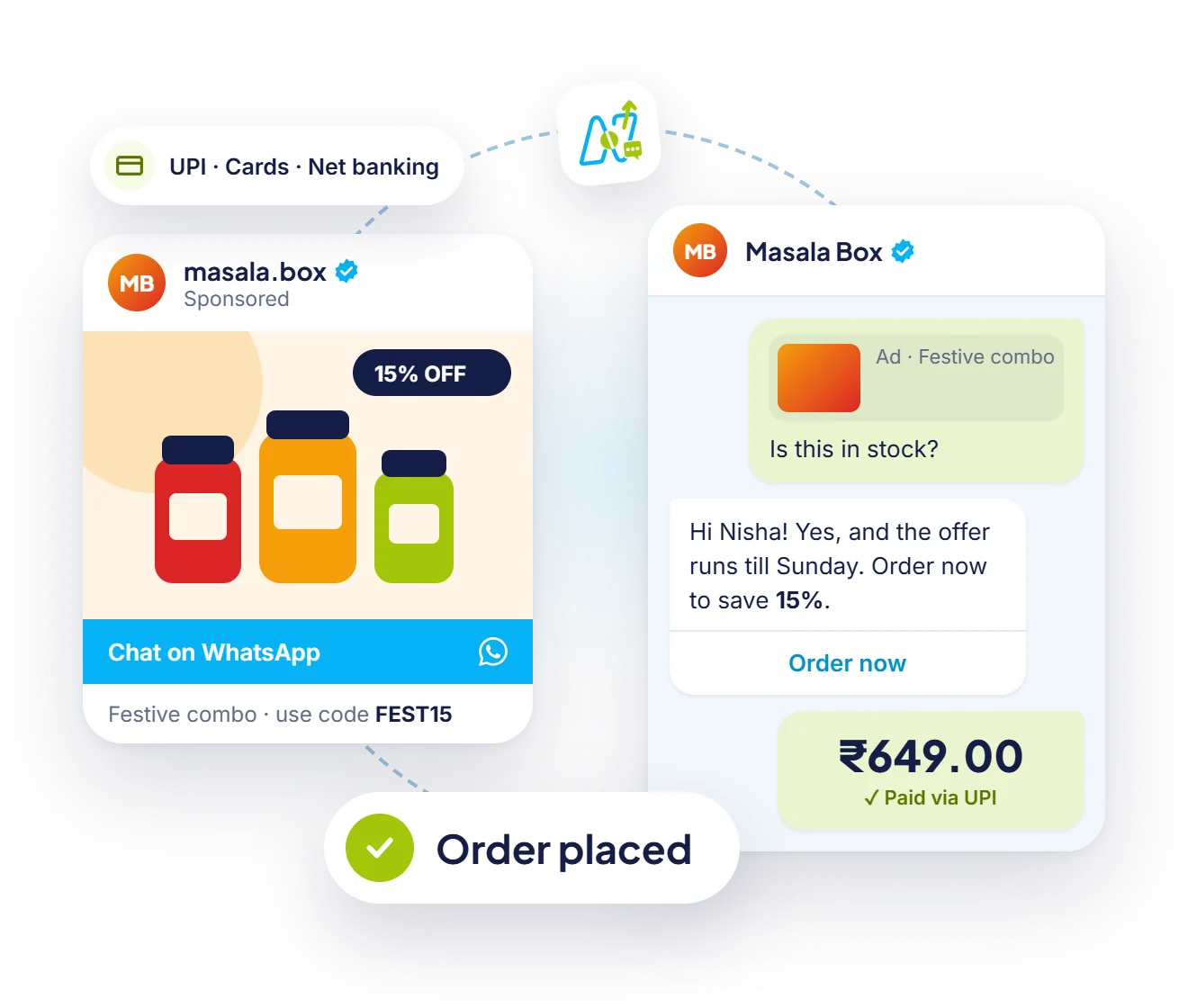
Send a payment link for paid events and confirm the seat as soon as it is paid.
How it works
Set up your organiser number on the official API.
Link your registration page or event platform through the API or webhooks.
Switch on confirmations, tickets and reminders.
Send recordings and offers to attendees and no-shows.
Use cases
Raise attendance with timely reminders and links.
Send tickets, schedules and venue updates.
Manage registrations and send materials.
Invite customers and follow up after the launch.
Why Neptalk
Reminders on the app people check most help registrants remember to join, and follow-ups reach both attendees and those who missed it.
FAQ
They use it to take registrations, send tickets or joining links, remind attendees before the event, and share recordings, feedback forms and offers afterwards.
Reminders on WhatsApp reach registrants where they are most likely to see them, which helps more people remember to join.
Yes. Neptalk connects with your registration page or event platform through the API or webhooks, so events in your system can send WhatsApp messages automatically. Our team helps with the setup.
Yes. Tag contacts after the event and send each group its own follow-up.