Instant trust
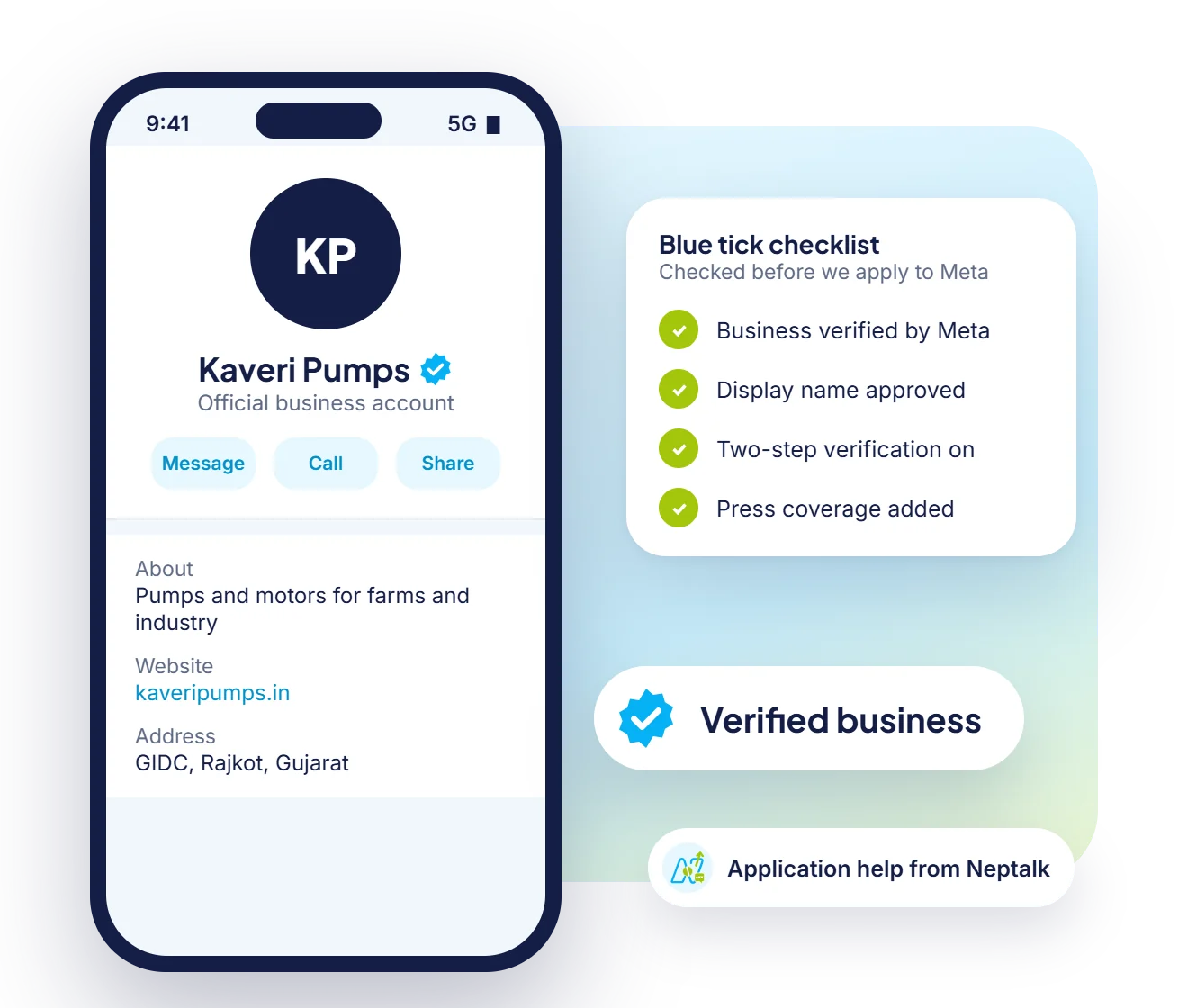
The blue tick tells customers your number is the official one for your brand.
Show customers they are talking to the real you. Neptalk helps you check eligibility, prepare your profile and apply for the verified badge on the WhatsApp Business API.
Features
Fake numbers and scams make customers cautious. A verified badge builds trust from the first message.
The blue tick tells customers your number is the official one for your brand.
Help customers spot impersonators who use your name and logo.
People are more likely to open and reply to messages from a verified business.
Your business name appears even when customers haven't saved your number.
We tell you exactly what Meta looks for and help you prepare.
Our team reviews your profile and supports you through the process.
Trust
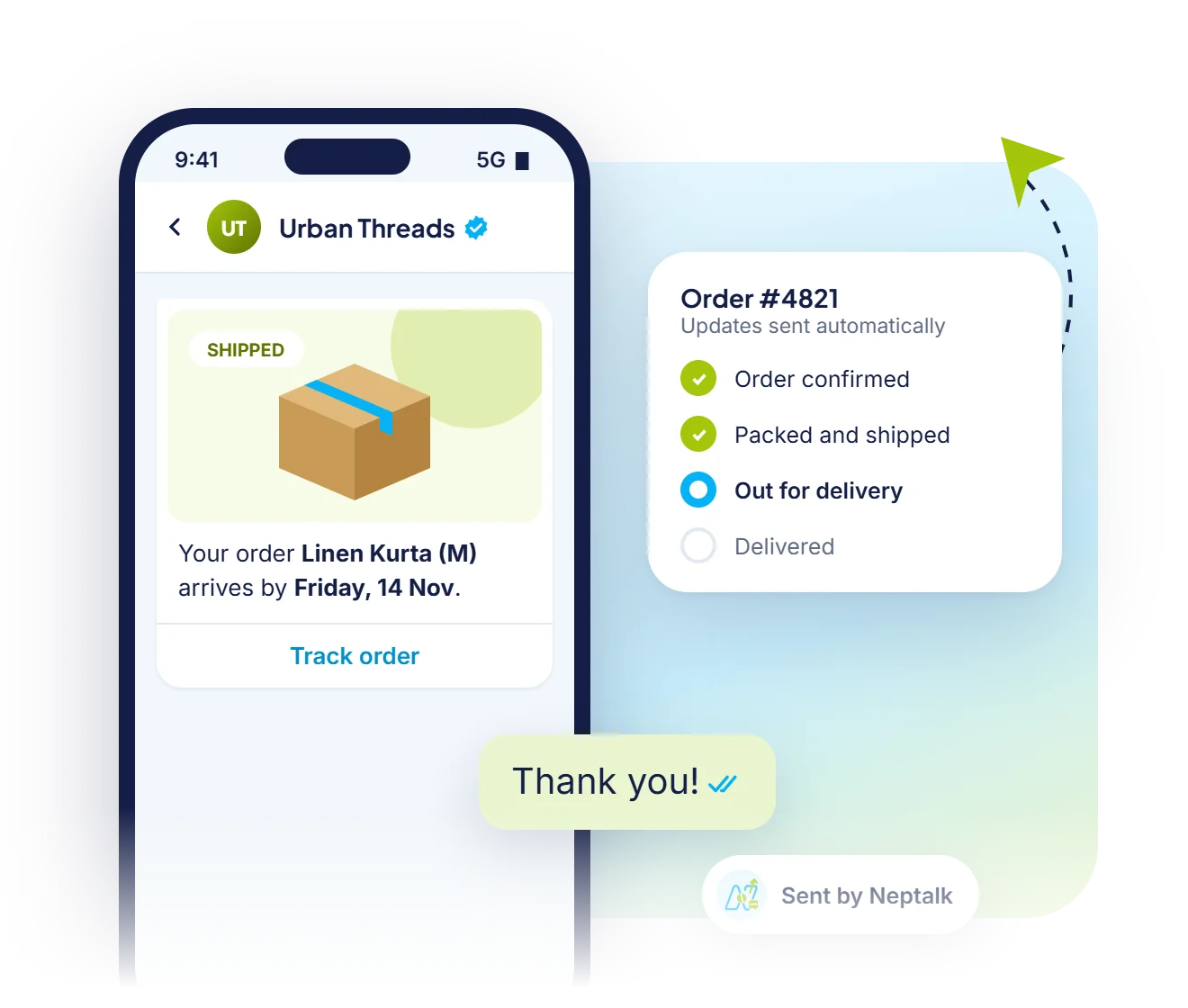
Order updates, offers and reminders from a verified name get opened and trusted, because customers can see who sent them.
Ads
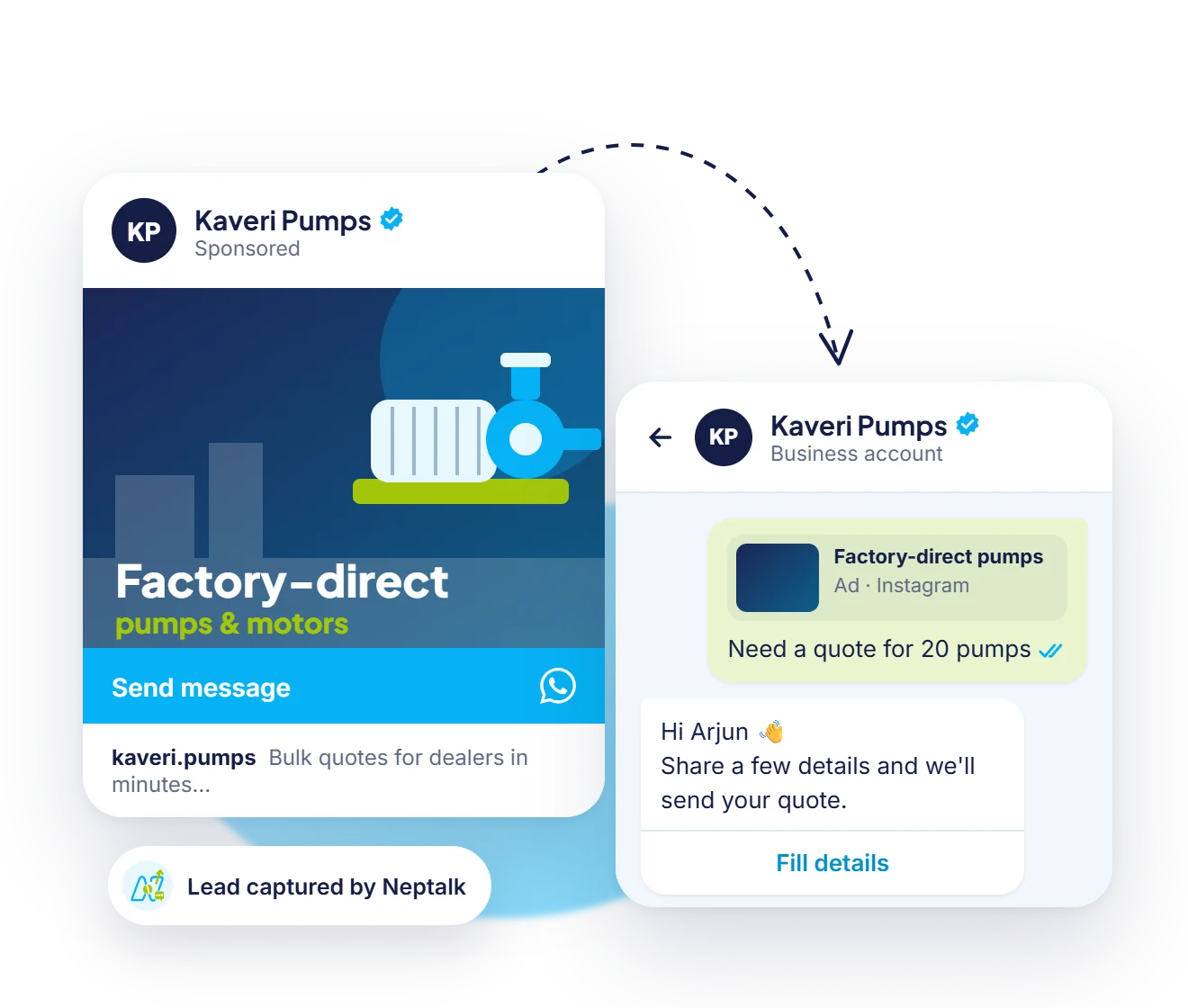
When people tap your Click-to-WhatsApp ad, the chat opens with your verified business name at the top.
Getting ready
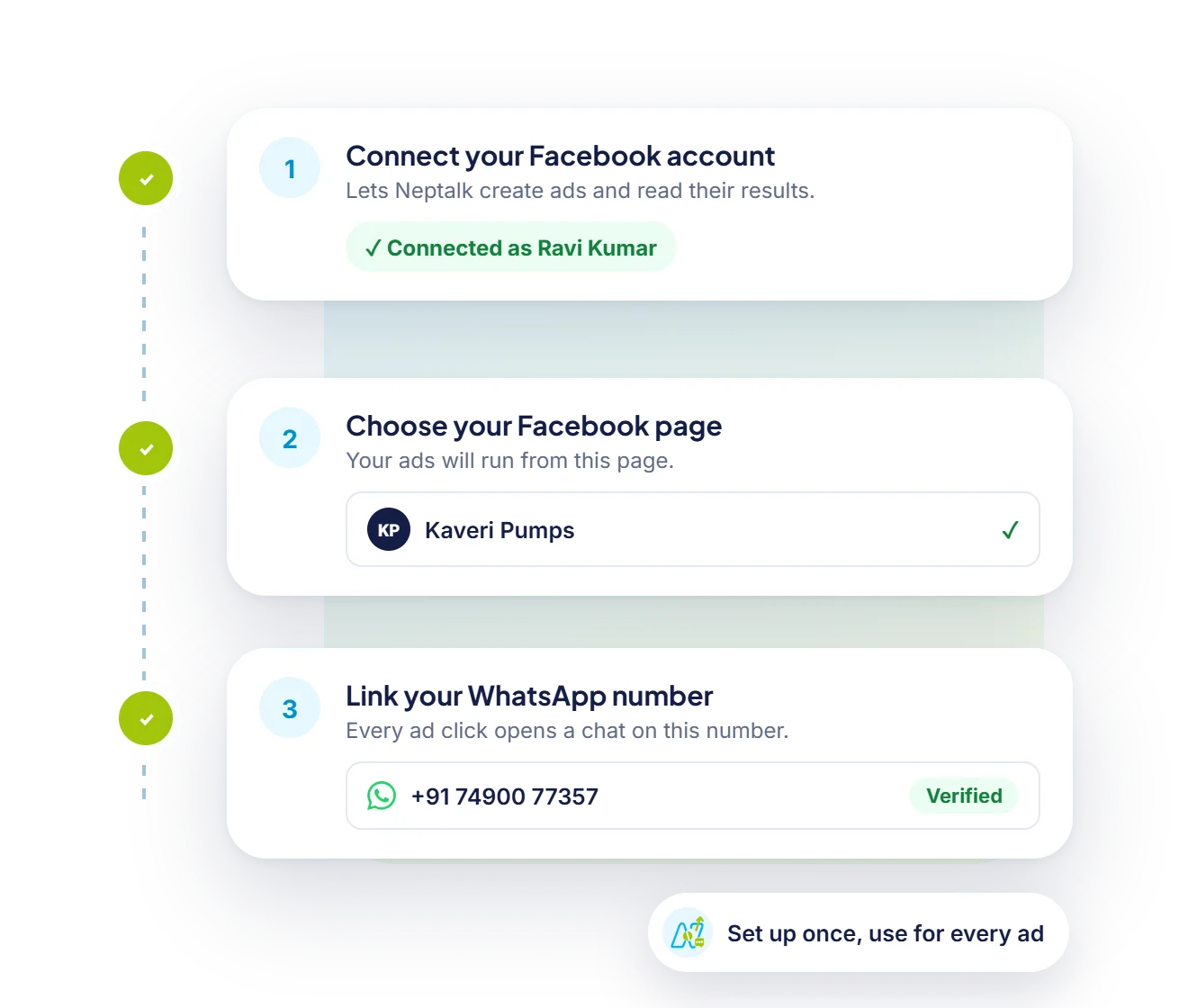
Our team checks your business verification, display name and public presence, then prepares the application with you.
Eligibility
Meta decides every application. These are the points it looks at most, so tick them off before you apply.
Your company has passed Meta business verification with matching documents.
Your number is on the WhatsApp Business API with an approved display name.
Two-step verification is switched on for the WhatsApp number.
Several news or media articles about your brand. Paid or promotional articles do not count.
Customers search for your brand by name, and it has an active website and social presence.
A healthy quality rating and steady conversations with customers on the number.
How it works
Your number must be on the WhatsApp Business API with Neptalk.
Complete Facebook Business verification and turn on two-step verification.
Make sure your brand has press coverage or a strong public profile.
We submit your application to Meta and share the result with you.
Use cases
Stop fake numbers that sell counterfeit products in your name.
Reassure customers that payment and OTP messages are genuine.
Give students and parents confidence in admission messages.
Make sure patients trust appointment and report messages.
Why Neptalk
Meta decides who gets the badge. These are the main things it checks, and we help you get each one right.
FAQ
It is a verified badge that appears next to a business name on WhatsApp to show the account belongs to an authentic, notable brand.
Applying through Neptalk for your WhatsApp Business API number is free. Meta also offers paid Meta Verified subscriptions for some businesses.
Meta usually reviews applications within a few weeks. Timelines can vary.
No one can guarantee approval, because Meta makes the decision. We help you meet the criteria and submit a strong application.
You can re-apply after 30 days. We'll suggest what to improve, such as press coverage or profile details.
Yes. Meta replaced the old green tick with the blue verified badge. It means the same thing: WhatsApp has confirmed the account belongs to a notable business.
The badge is meant for registered, well-known businesses. A new brand with little press coverage is usually asked to reapply once it has more public presence.
You can apply again after about 30 days. Use the time to add press coverage and keep your messaging quality high.