Template builder
Add a header, body, footer and buttons and see a live WhatsApp preview as you type.
Every message you start with a customer needs an approved template. Neptalk helps you write it, preview it, submit it to Meta and track its status, all from one screen.

Features
Write templates that pass review and get results.
Add a header, body, footer and buttons and see a live WhatsApp preview as you type.
Insert placeholders for names, dates, amounts and links that fill in for each contact.
Use an image, video or document header to make templates stand out.
Create marketing, utility and authentication templates in many languages.
See when templates are approved, rejected or paused, with the reason.
Start from proven examples in the Neptalk template library.

Send templates
Once Meta approves a template, pick it in a broadcast, choose your contacts and send it now or later.

Template results
Every send shows delivered, read, clicked and replied numbers, so you can keep the templates that perform.
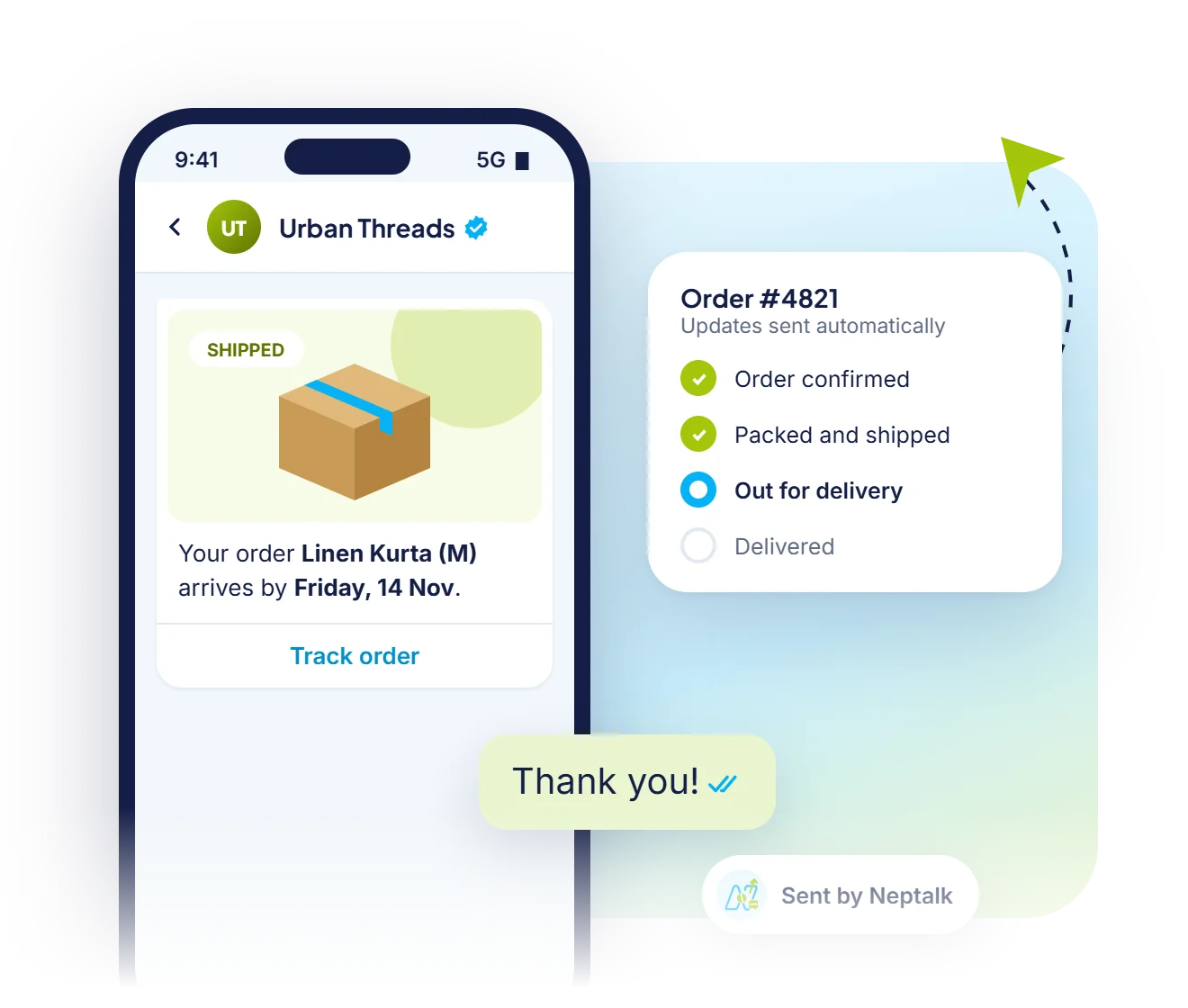
Utility templates
Utility templates cover confirmations, shipping, reminders and receipts, and cost less than marketing messages.
How it works
Choose marketing, utility or authentication.
Add text, variables, media and buttons with a live preview.
Send the template for review from Neptalk.
Once approved, use it in broadcasts, flows, bots and the inbox.
Use cases
Promotions, launches and festive campaigns with images and buttons.
Order, shipping, booking and payment confirmations.
Secure login and verification codes with a copy-code button.
Appointment, renewal and due-date reminders.
Why Neptalk
Rejected templates delay campaigns. Neptalk's tips and examples help you follow Meta's rules the first time.
FAQ
A template is a pre-approved message format that businesses use to start a conversation or message a customer outside the 24-hour service window.
Most templates are reviewed by Meta within minutes to a few hours. Some may take up to 24 hours.
Common reasons include unclear variables, misleading content, wrong category, or missing details. Neptalk shows the reason so you can fix and resubmit.
There are three: marketing for promotions, utility for transaction updates, and authentication for one-time passwords. Each has its own price.
You can edit approved templates a limited number of times. Each edit is reviewed again by Meta.