Drag-and-drop flow builder
Design conversations visually with messages, questions, conditions and actions.
Automate the questions you answer every day. Design flows with buttons, lists and product catalogues, then hand over to a person whenever a customer needs one.

Features
Build once, then let the bot answer around the clock while your team handles the exceptions.
Design conversations visually with messages, questions, conditions and actions.
Start the right flow when a customer types words like price, order or support.
Show products, let customers build a cart and send the order to your team.
Move the chat to a team member with full context at any point in the flow.
Send data to Google Sheets, your CRM or any app with webhooks and Zapier.
See where customers drop off and improve each step.
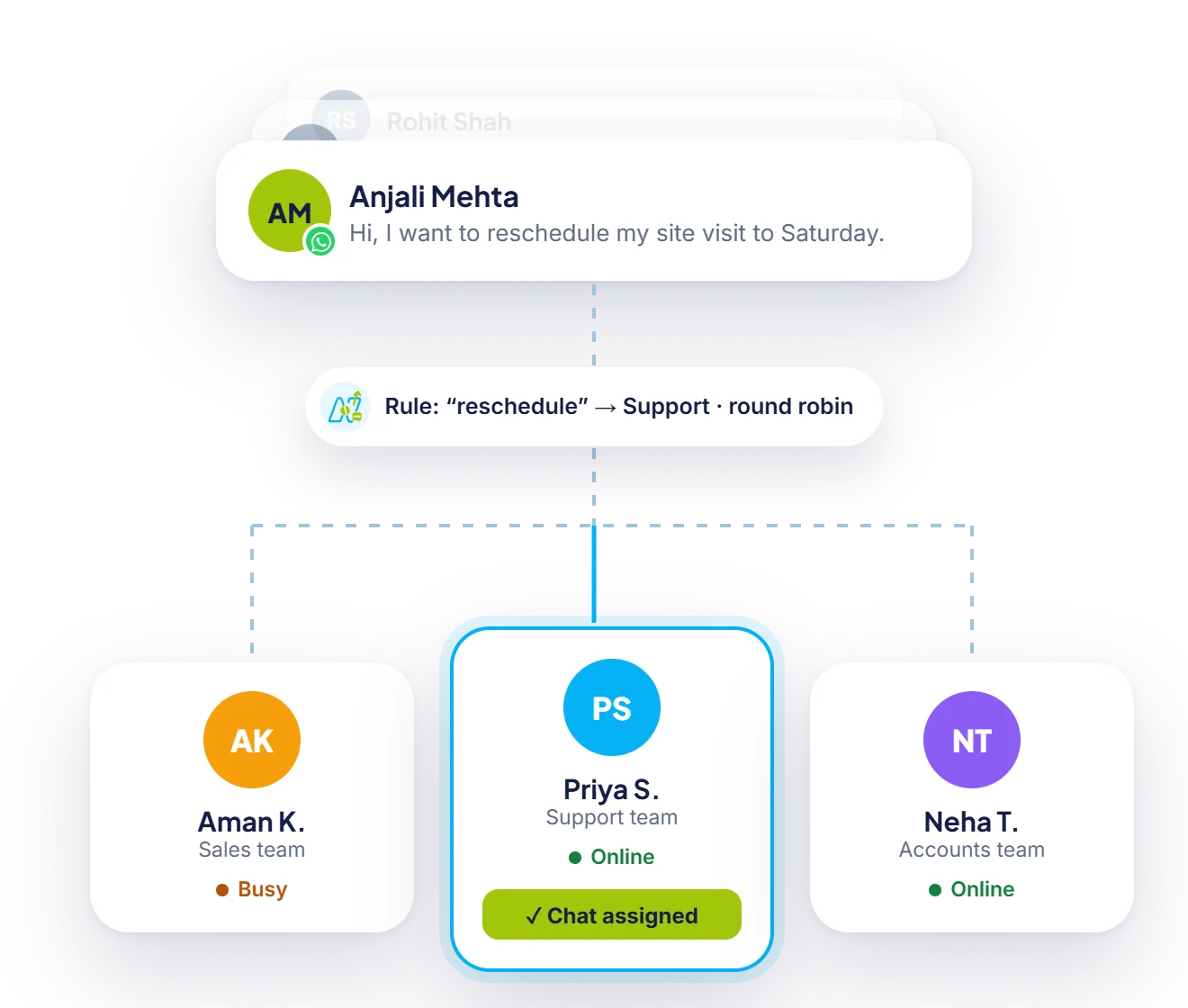
Human handover
Any step in a flow can pass the chat to your team. Neptalk picks an agent who is online and shows them everything the customer said.
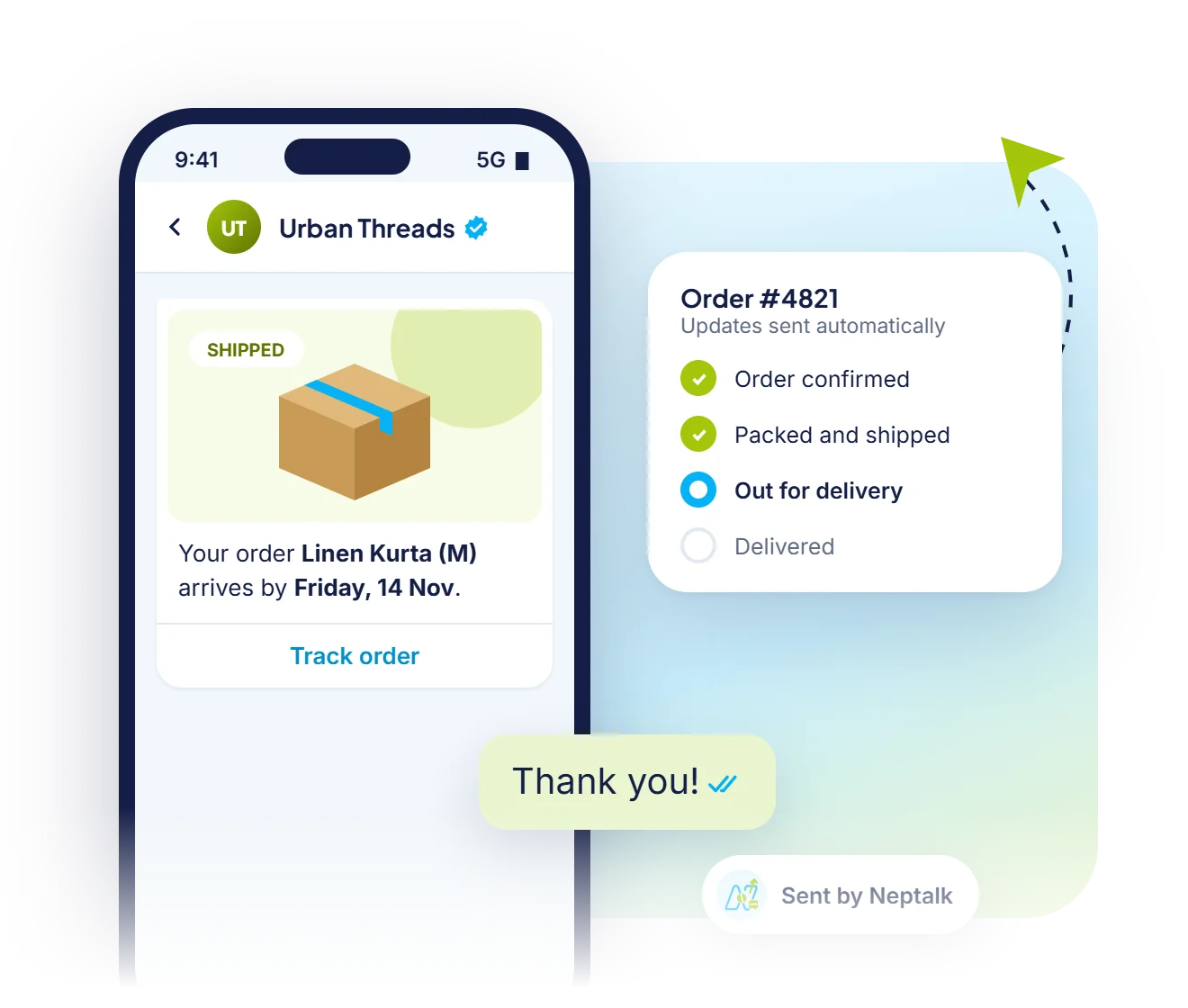
Order status
Connect your store and the bot shares live order status, delivery dates and tracking links the moment a customer asks.
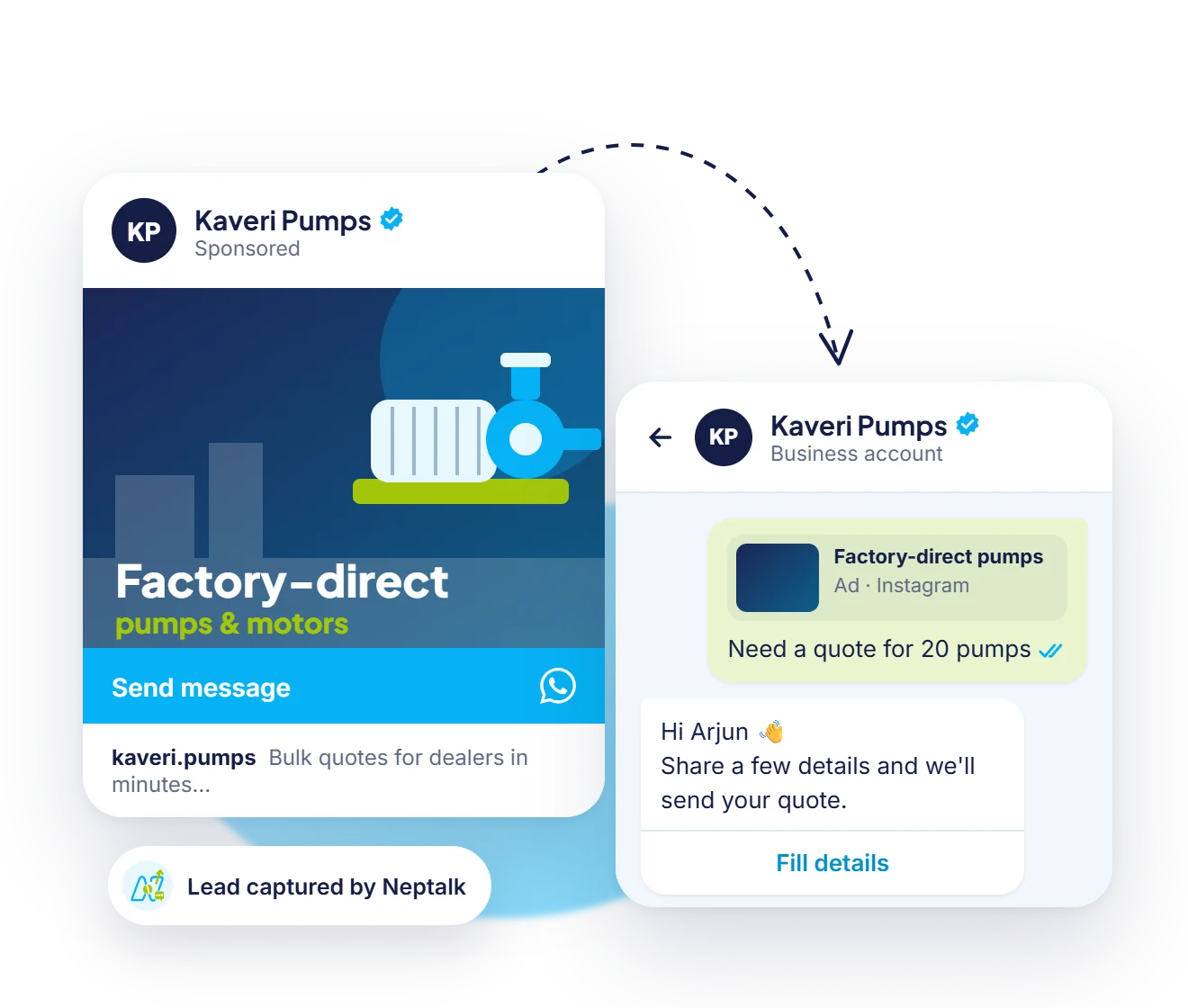
Ads to chatbot
Each Click-to-WhatsApp ad can open its own flow, so leads get the right welcome and questions from the first message.
Triggers
Choose what starts each flow, so every customer lands in the right conversation from the first message.
Words like price, demo or order start a flow. Exact match, contains or several keywords per flow.
A tap on a quick-reply button in a broadcast or reminder continues into a flow.
People who arrive from a Facebook or Instagram ad get a flow made for that campaign.
A pre-filled message in a wa.me link or QR code on packaging, invoices or posters starts the right bot.
Visitors who click the WhatsApp button on your website get a welcome flow straight away.
An order, payment or form submission in your software can send a message and start a flow by API.
How it works
Start from a ready-made flow for FAQs, lead capture or orders, or start blank.
Edit messages, add buttons and connect steps with drag and drop.
Choose keywords, ad clicks or website buttons that start the bot.
Go live in one click and improve the flow using analytics.
Use cases
Answer FAQs about orders, returns and timings instantly.
Collect name, need and budget before a salesperson joins.
Take food, grocery and retail orders right inside WhatsApp.
Let customers pick a slot for appointments, demos or test drives.
Why Neptalk
Customers expect quick replies on WhatsApp. A chatbot gives them an answer in seconds, even at midnight.
FAQ
No. The Neptalk flow builder is drag and drop. You can start from a template and edit the text and buttons.
A flow chatbot follows the steps you design, which suits structured tasks like orders and bookings. An AI chatbot understands free-text questions and answers from your knowledge base. You can use both together.
Yes. Add a handover step anywhere in the flow, or let customers type agent to reach your team.
Bot replies inside the 24-hour customer service window are service messages. See our pricing page for Meta's current rates and free allowances.
Yes. Neptalk integrates with Shopify, WooCommerce, Google Sheets, HubSpot, Zoho and more, plus webhooks for custom systems.
No. The app only supports a greeting message, an away message and quick replies. Flows with buttons, conditions and integrations need the WhatsApp Business API, which Neptalk sets up for you.
Yes. Test any flow on your own WhatsApp number from the builder, fix it, and publish only when you are happy.
A fallback reply asks the customer to choose an option again. If they still need help, the chat moves to your team inbox.