Lead qualification
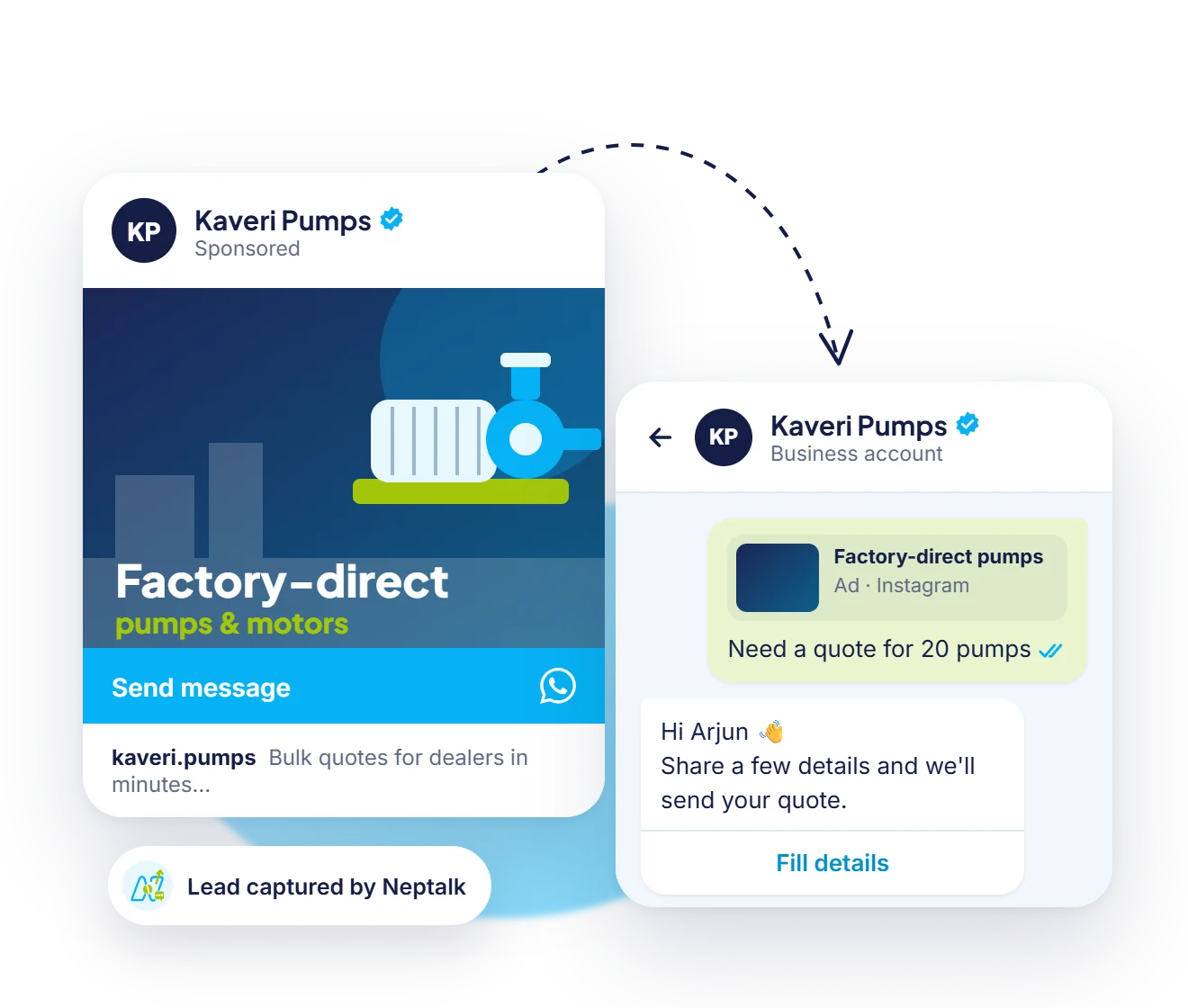
Ask eligibility questions such as income, city and loan amount, and pass qualified leads to advisors.
Customers want quick answers about loans, policies and payments. Neptalk qualifies enquiries, collects documents, reminds customers about EMIs and renewals and gives your team one secure inbox on the official API.
Features
Speed up applications, reduce missed payments and keep customers informed.
Ask eligibility questions such as income, city and loan amount, and pass qualified leads to advisors.
Let customers share KYC and application documents in the chat instead of email.
Remind customers before due dates with the amount and a payment link.
Send policy and subscription renewal reminders on time, with a one-tap renewal link.
Share application, claim and disbursal status automatically from your systems.
Run on Meta's official API with opt-in management and a verified business profile.
Advisor routing
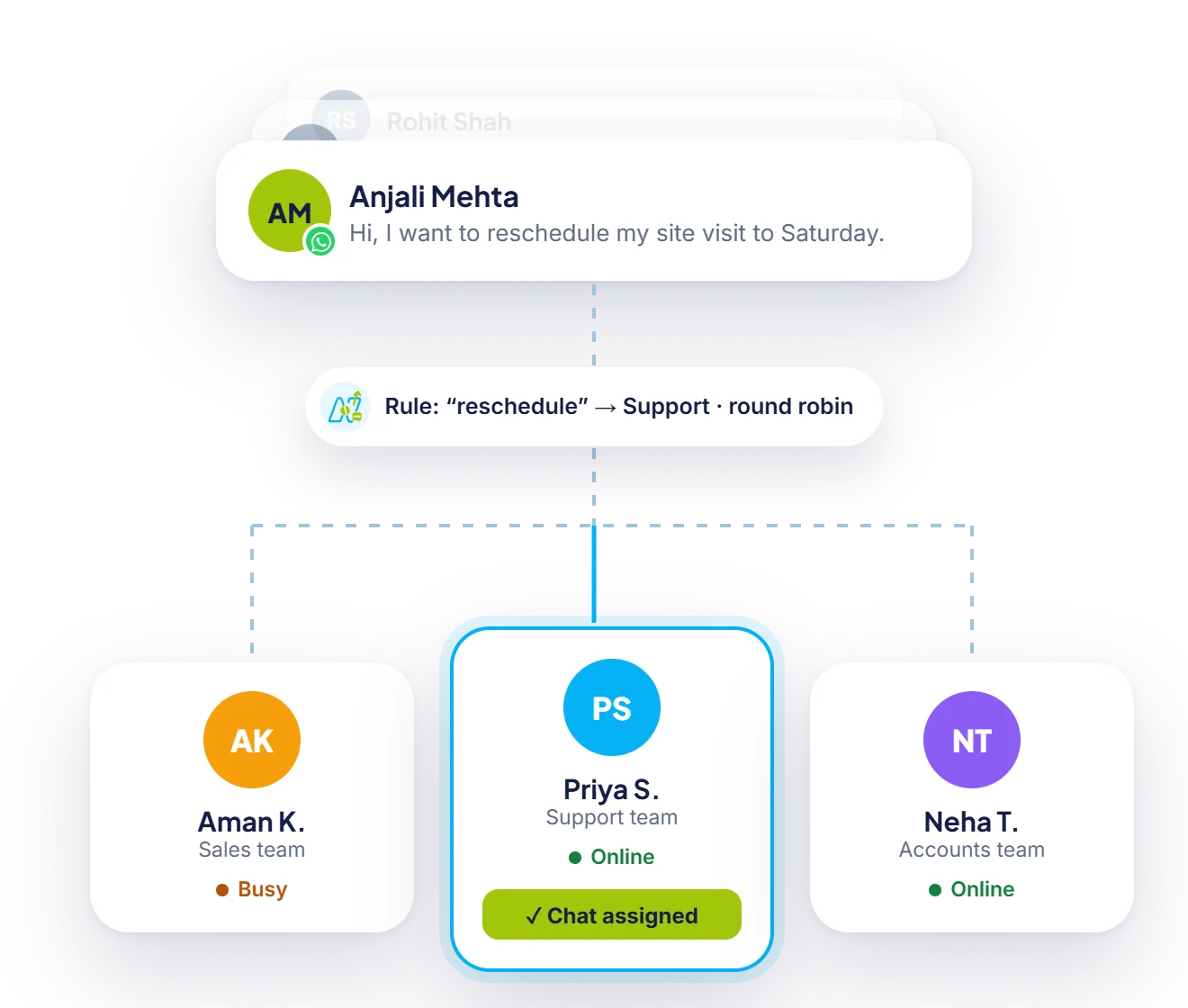
After the eligibility questions, the conversation is assigned to an advisor who is online, with every answer attached.

Reminders
Send reminders to the right customers before due dates, using approved templates and your own customer lists.

Service
Account, policy and claim questions reach your service team on one number, with notes and history on every customer.
How it works
Set up your official business number on the WhatsApp Business API.
Link your CRM or core system through the API or webhooks.
Switch on lead qualification, document collection and reminders.
Route conversations to advisors and track results.
Use cases
Qualify enquiries and book advisor calls.
Send quotes, renewals and claim updates.
Reduce missed EMIs with reminders and payment links.
Answer account and policy questions in one inbox.
Why Neptalk
Most customer questions in finance are about status, documents and dates. Neptalk answers them automatically and keeps advisors focused on the conversations that need them.
FAQ
They use it to qualify leads, collect documents, send EMI, premium and renewal reminders, and share application or claim status with customers.
Messages on the WhatsApp Business API are encrypted in transit between WhatsApp and the customer. You should still follow your own regulator's rules on what data can be shared over messaging.
Yes. Neptalk connects with your CRM or core system through the API or webhooks, so events in your system can send WhatsApp messages automatically. Our team helps with the setup.
Yes. Reminders can include a payment link from your payment gateway, and a confirmation can be sent once the payment succeeds.